


Description
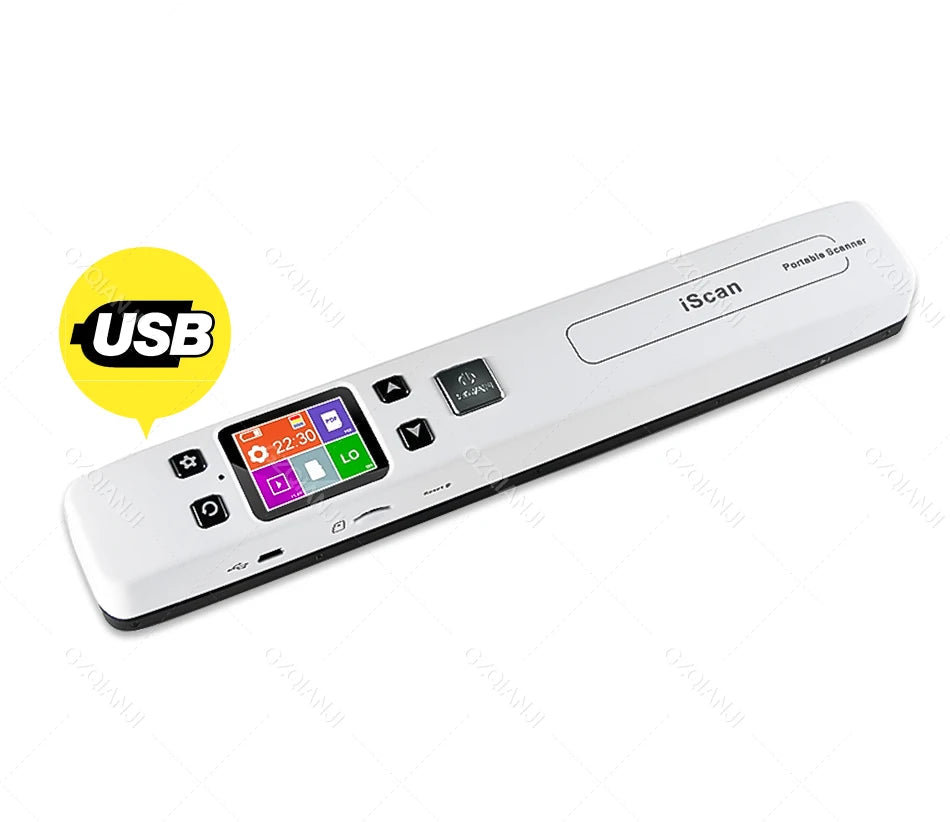
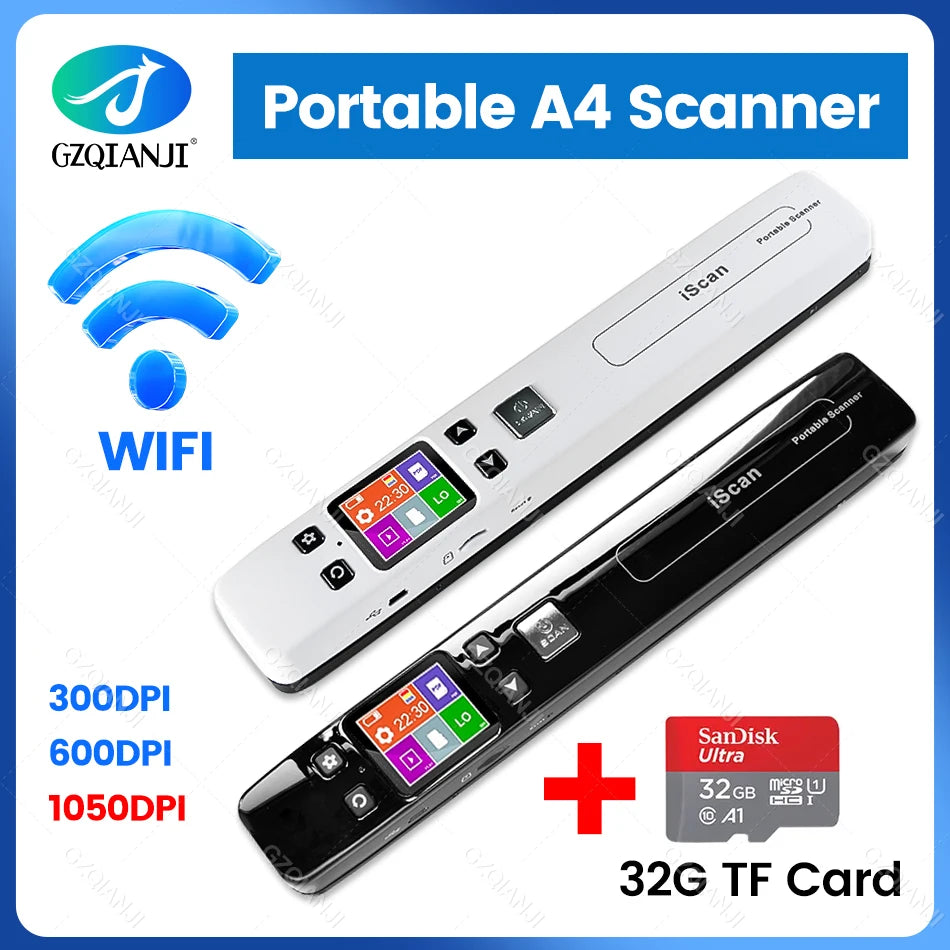
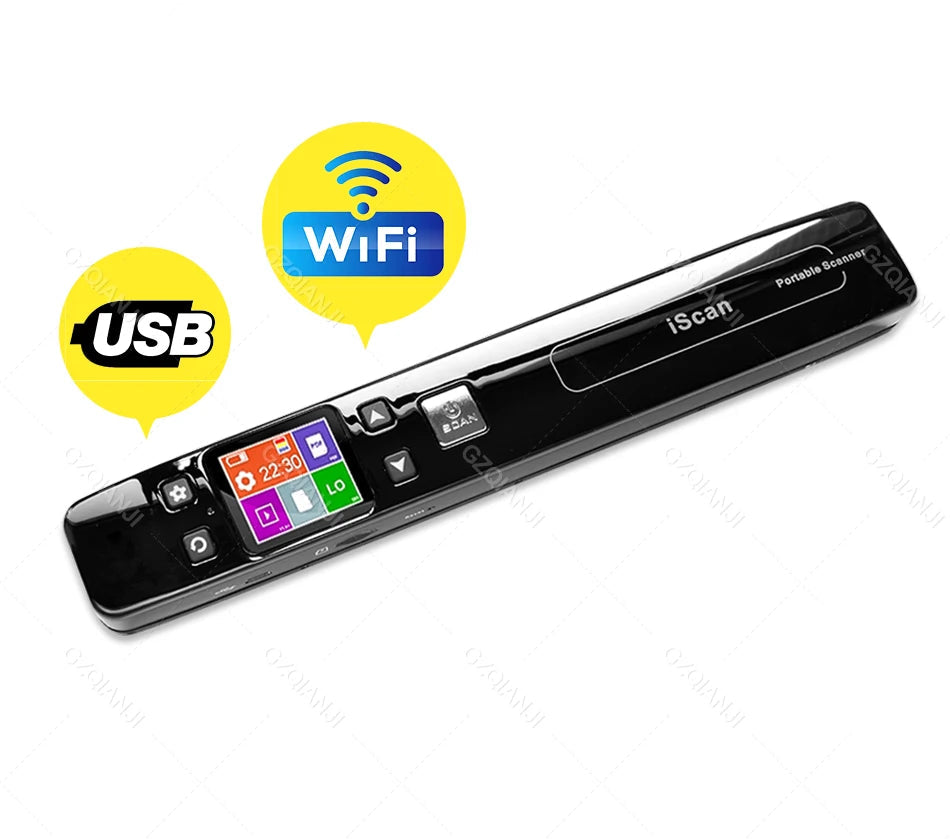
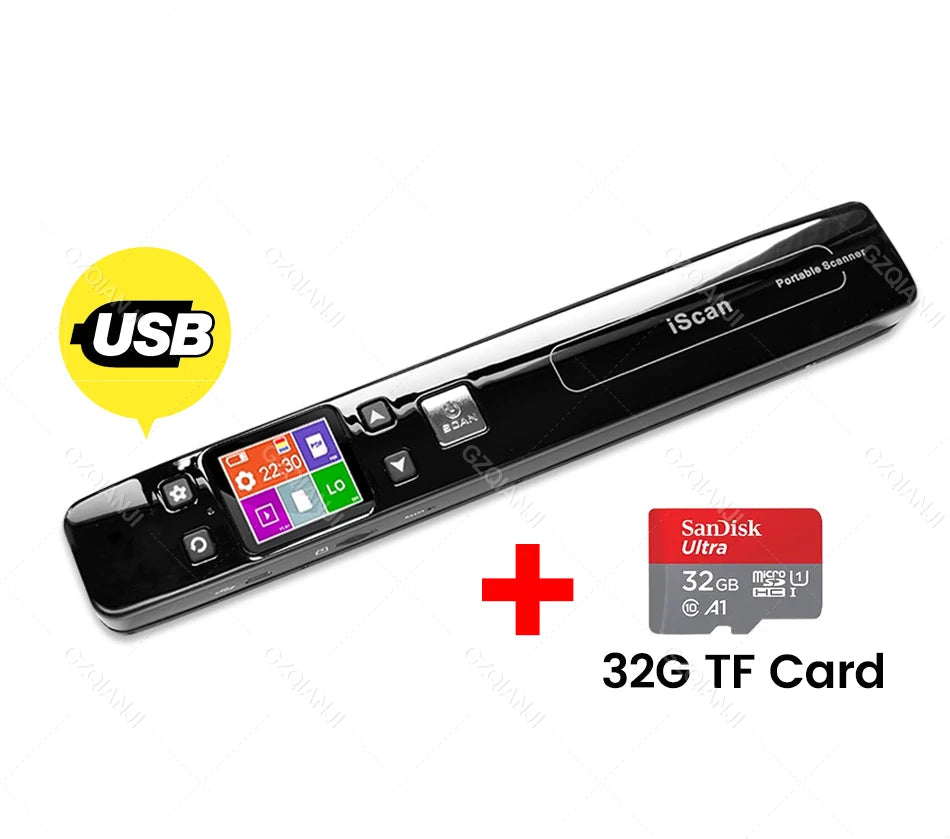
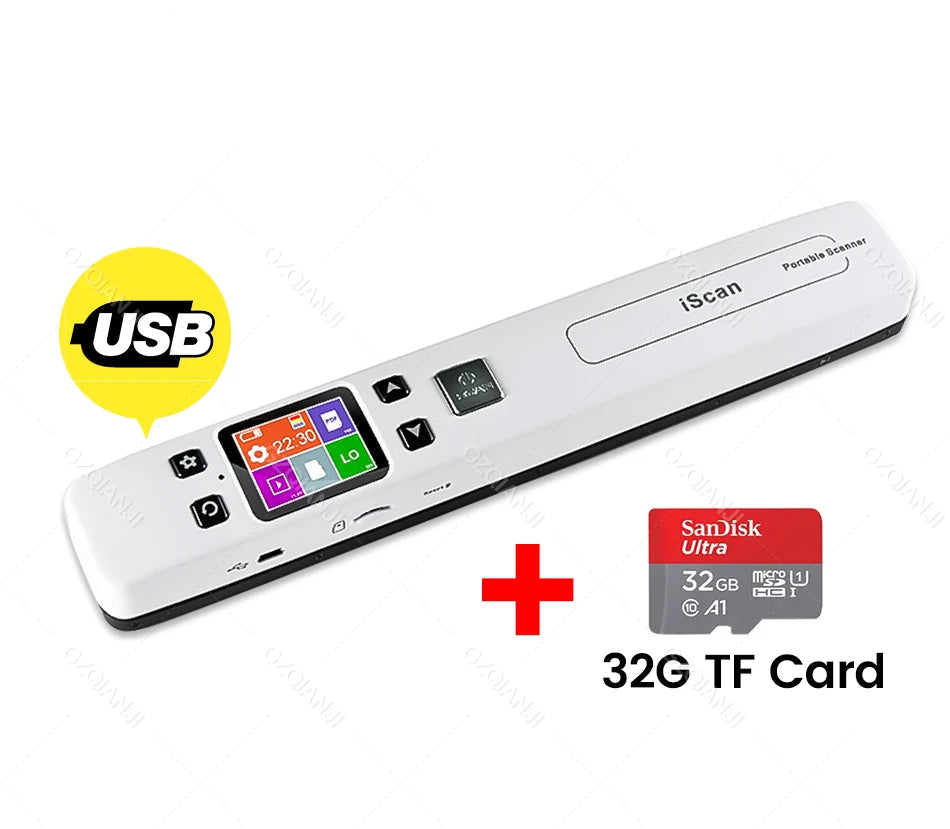
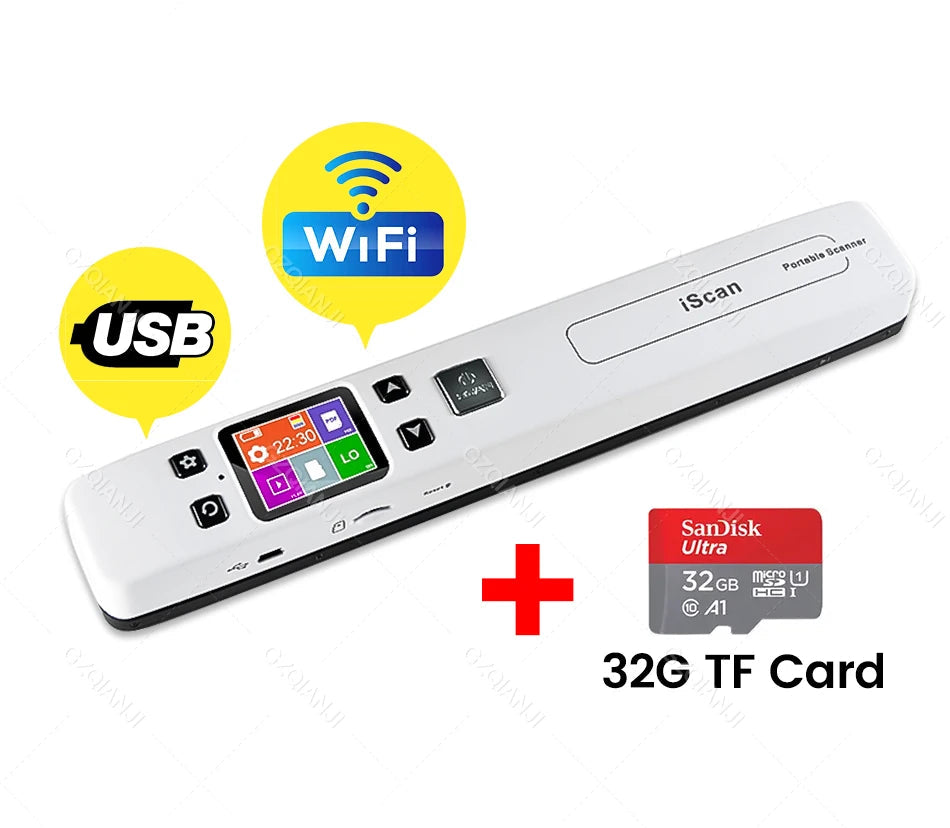
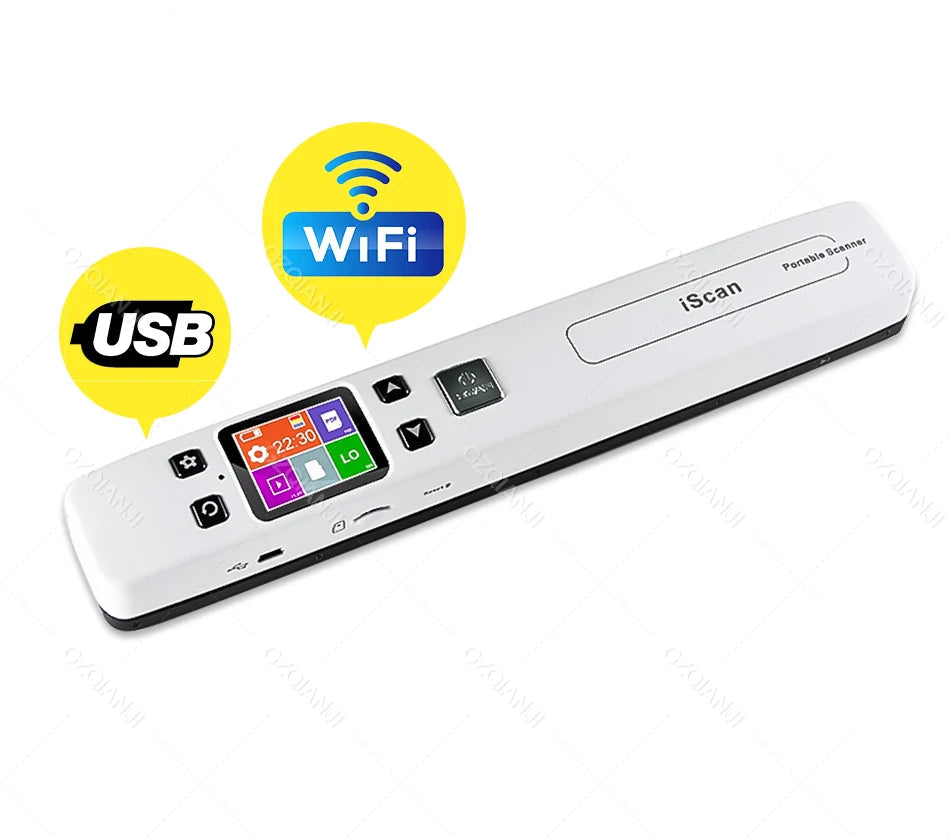
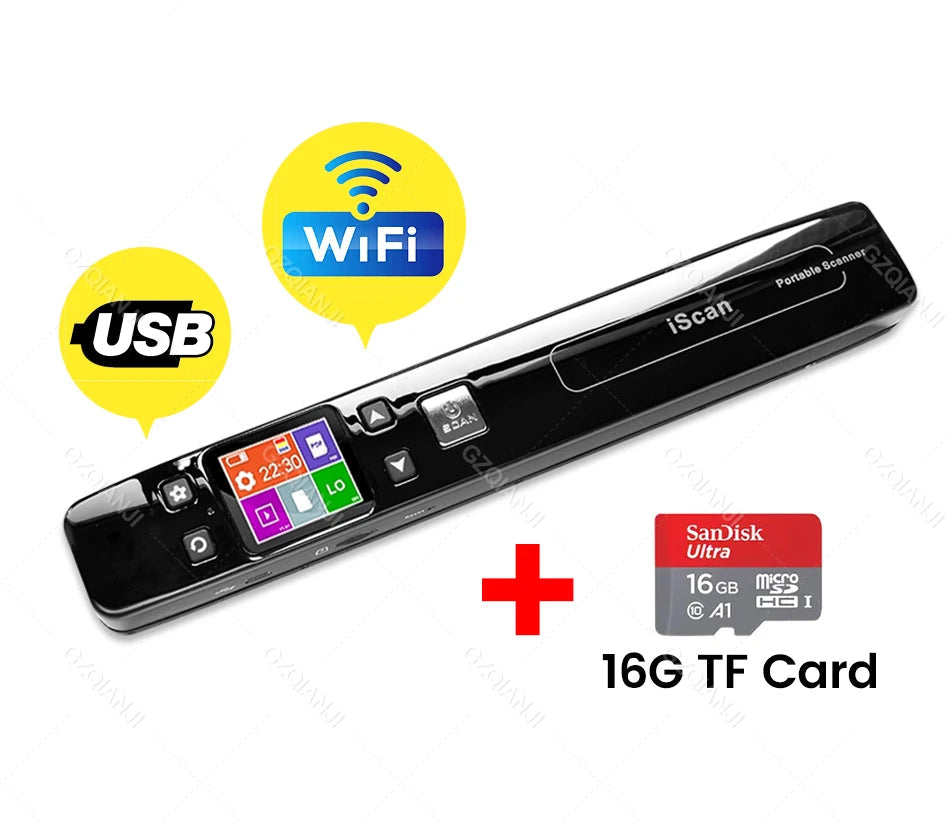
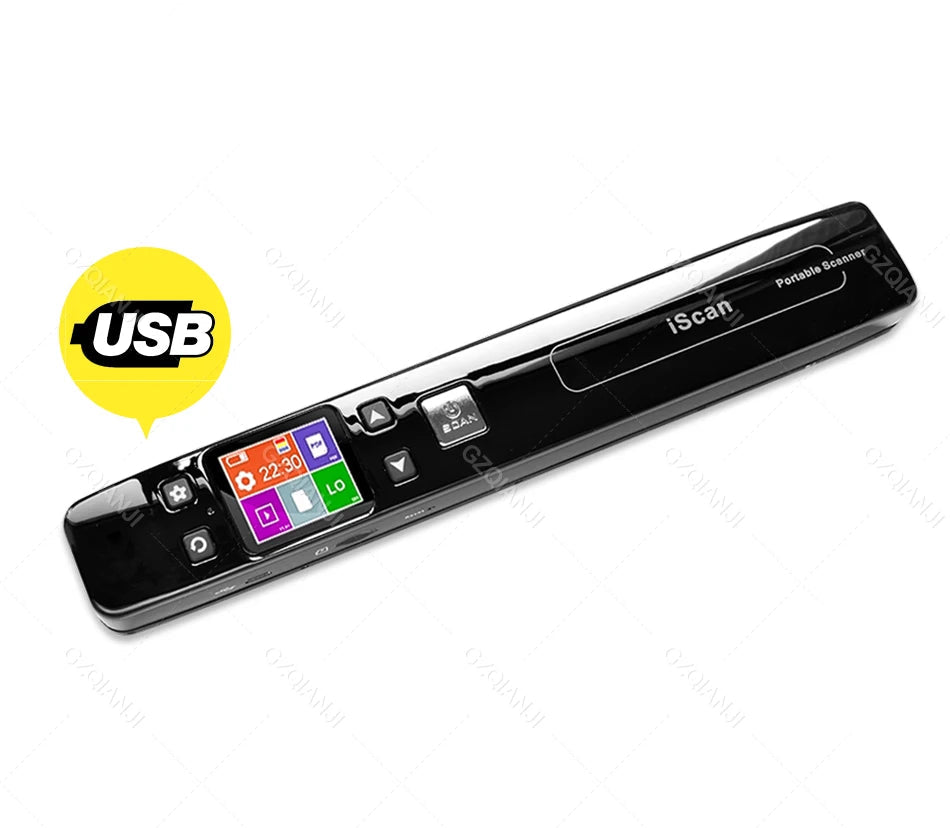
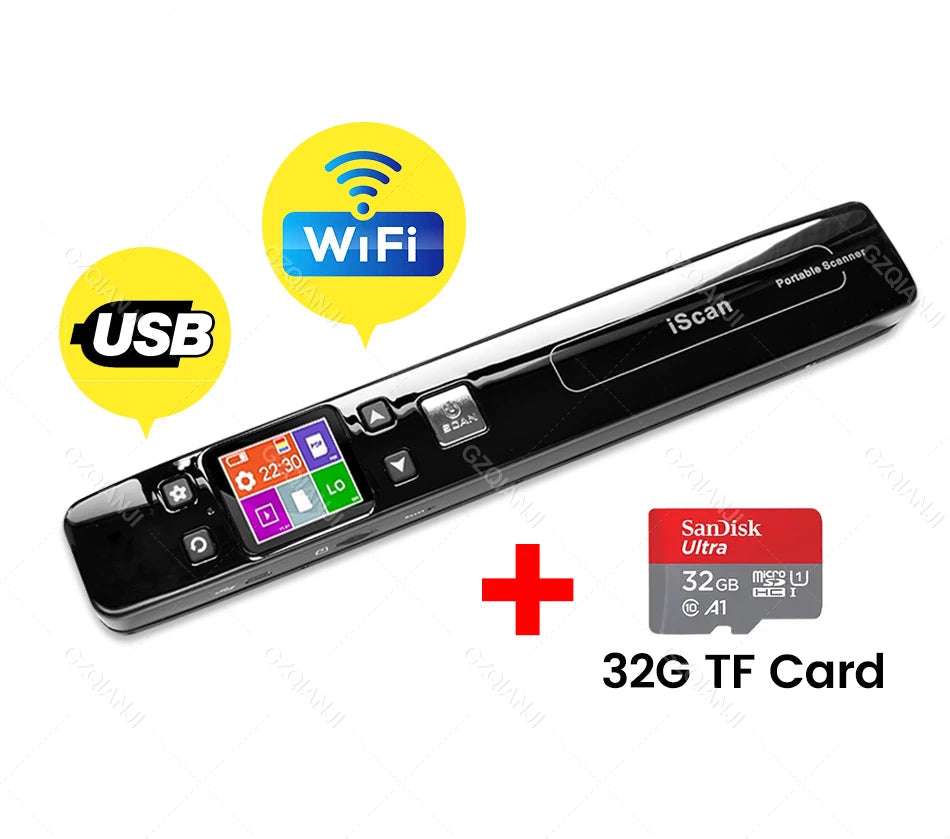
Portable Wi-Fi document scanner A4 with 1050 DPI and TF card
The portable Wi-Fi document scanner is a compact and versatile device, ideal for mobile work, office use, and study. With its high optical resolution of 1050 DPI, this scanner scans A4 documents quickly and accurately – within 3 to 10 seconds per page. It uses natural light sources combined with LEDs to produce distortion-free and clear images.
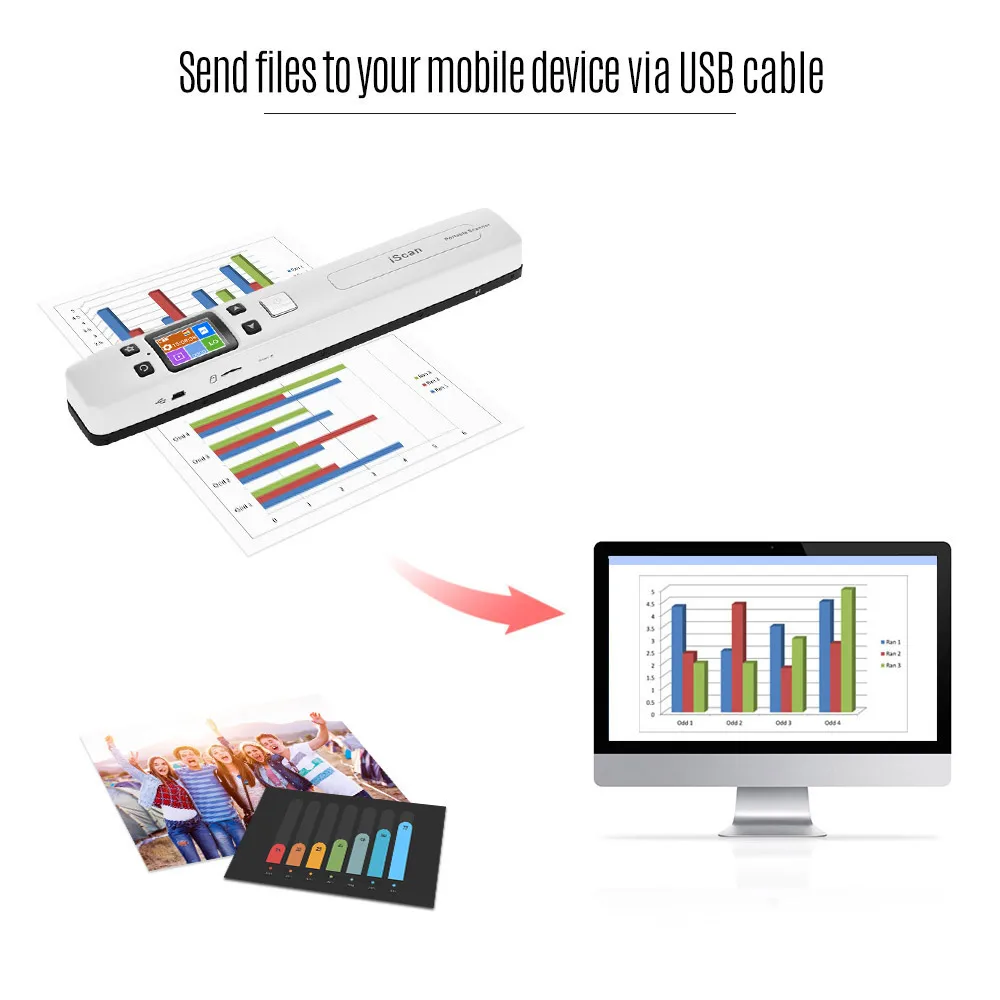
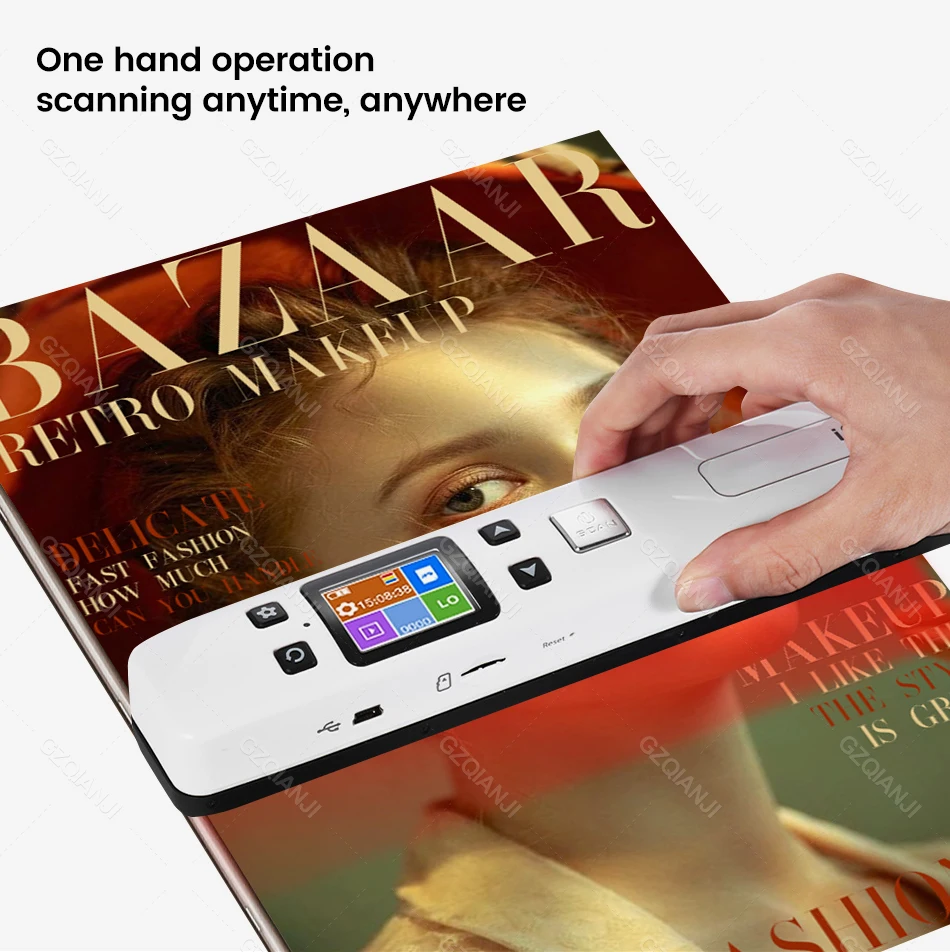
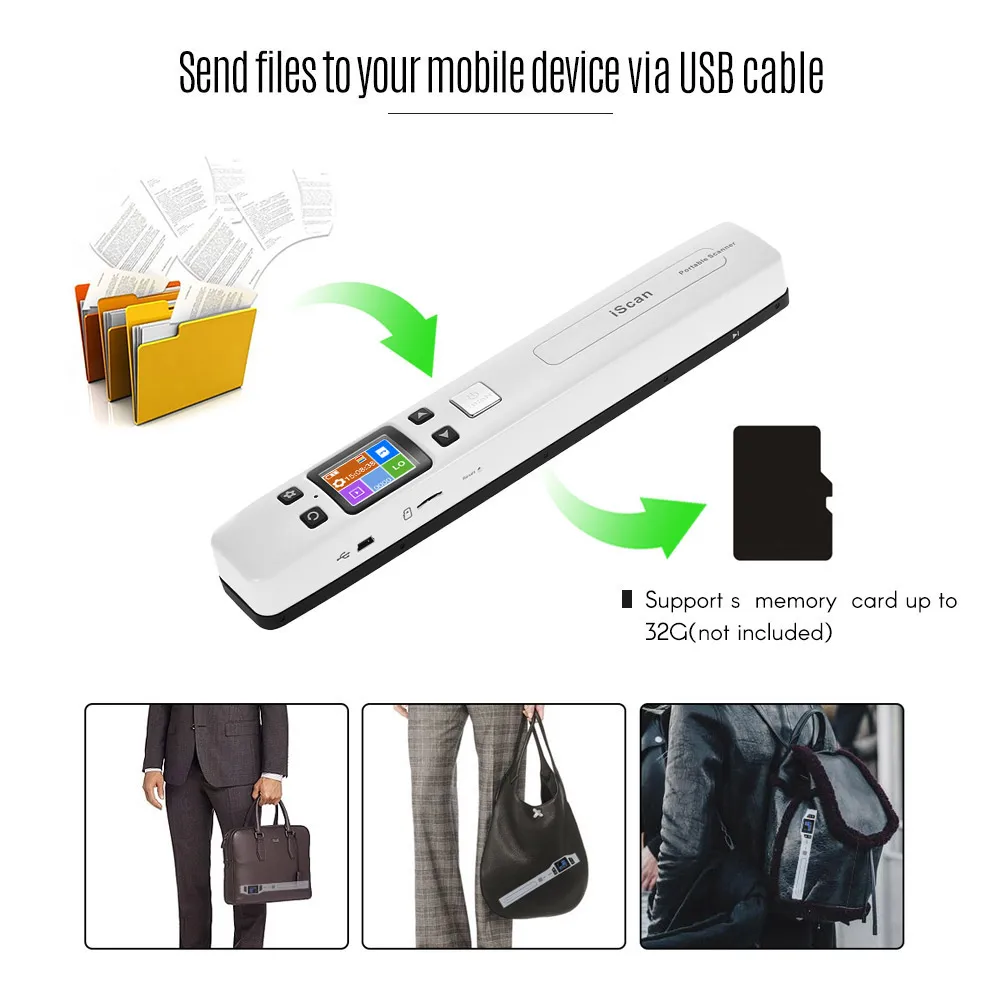

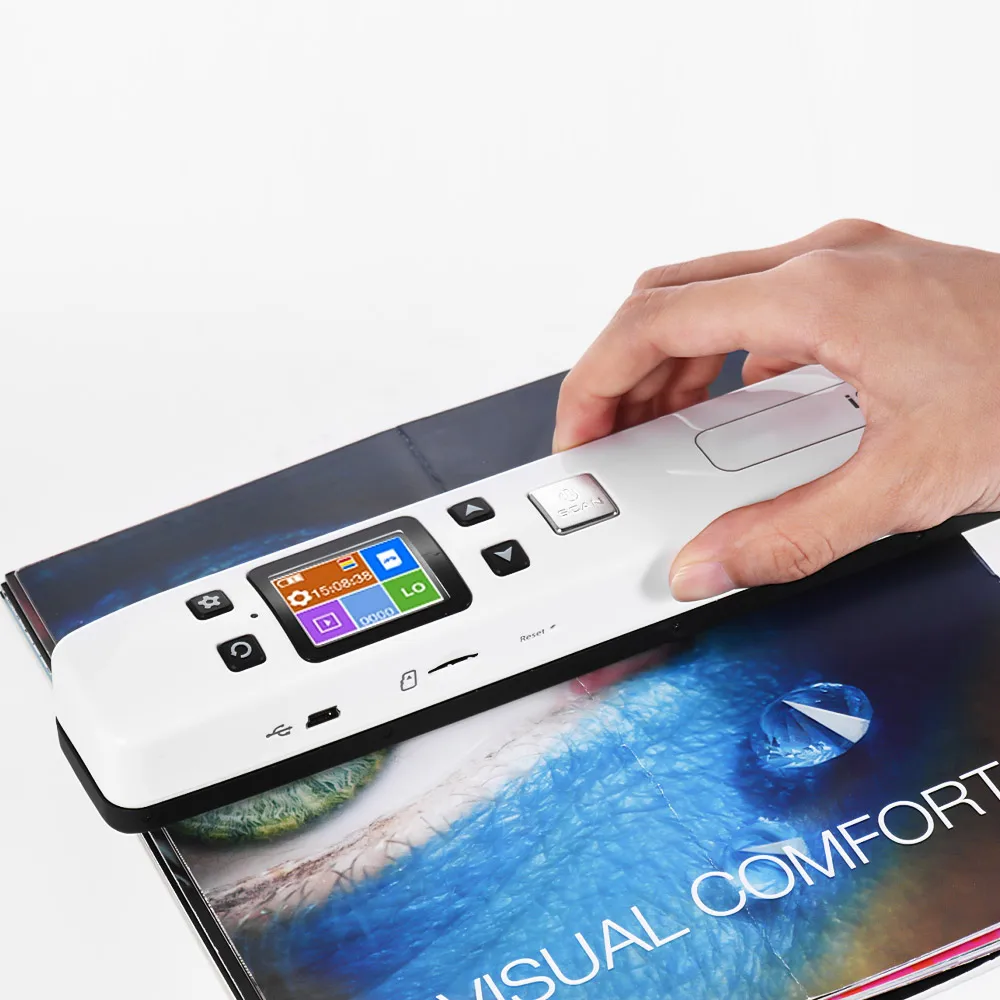
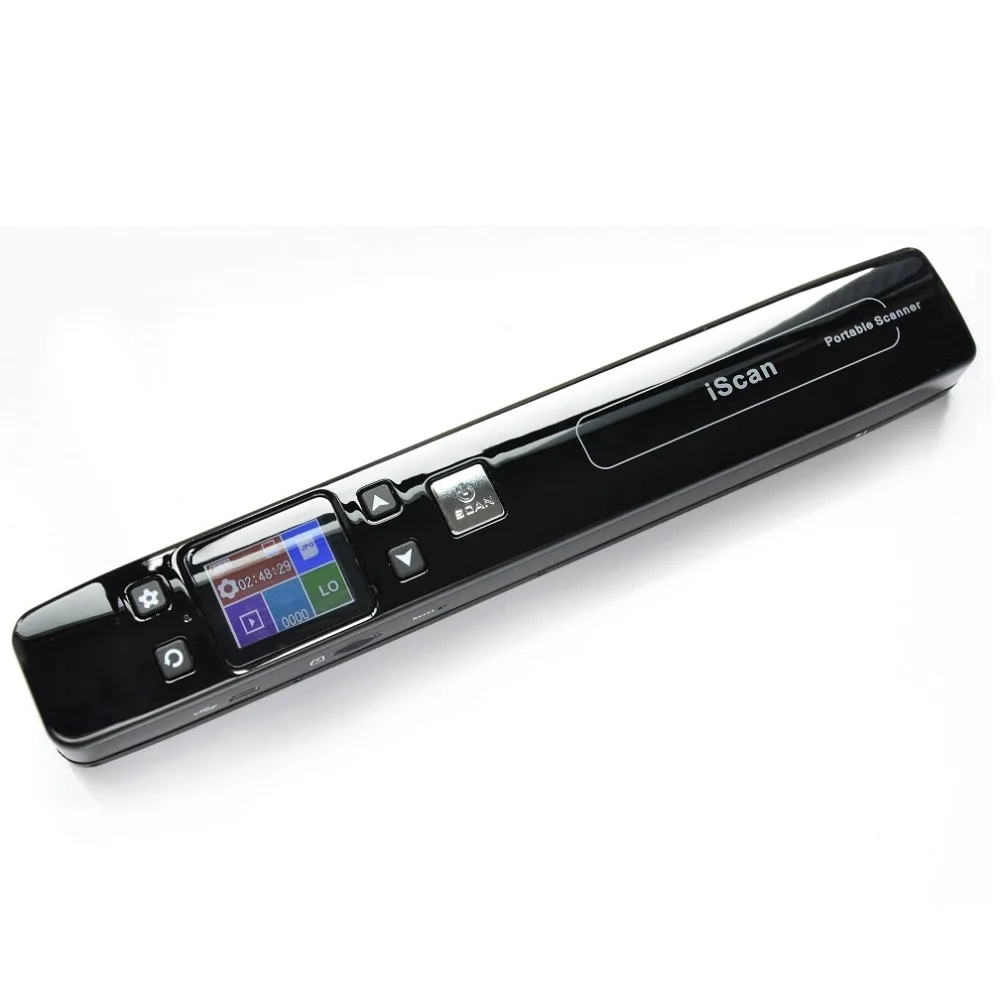
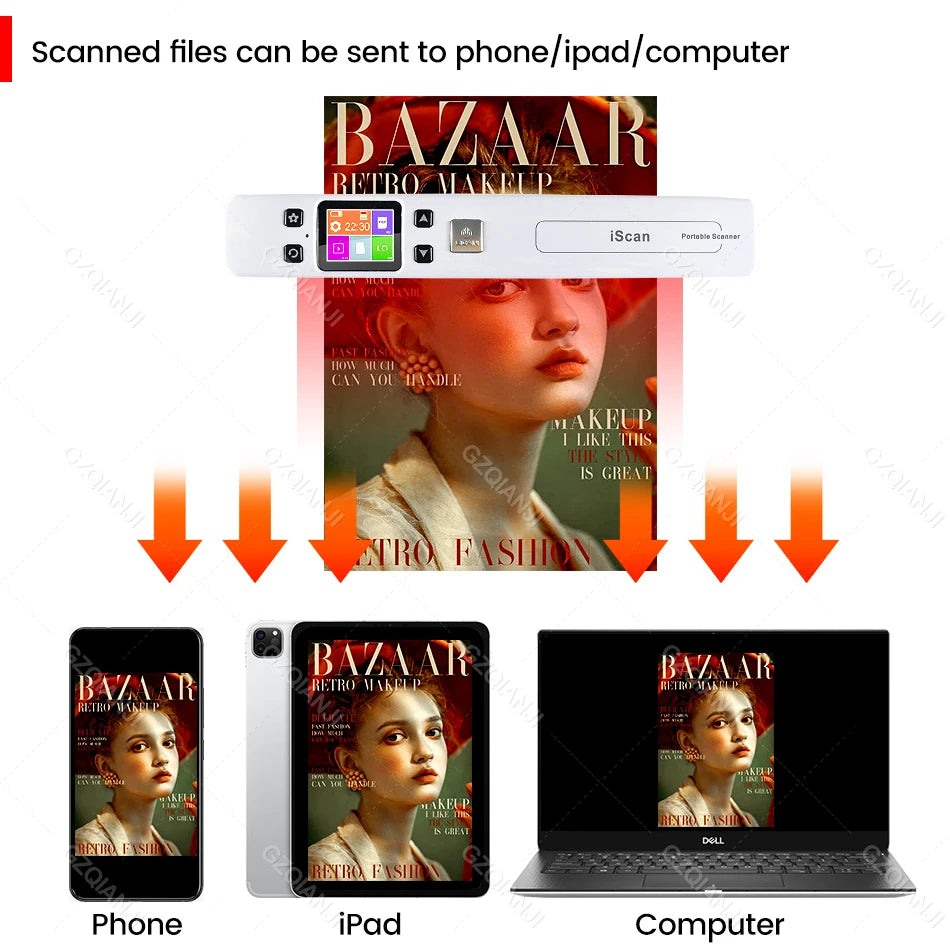
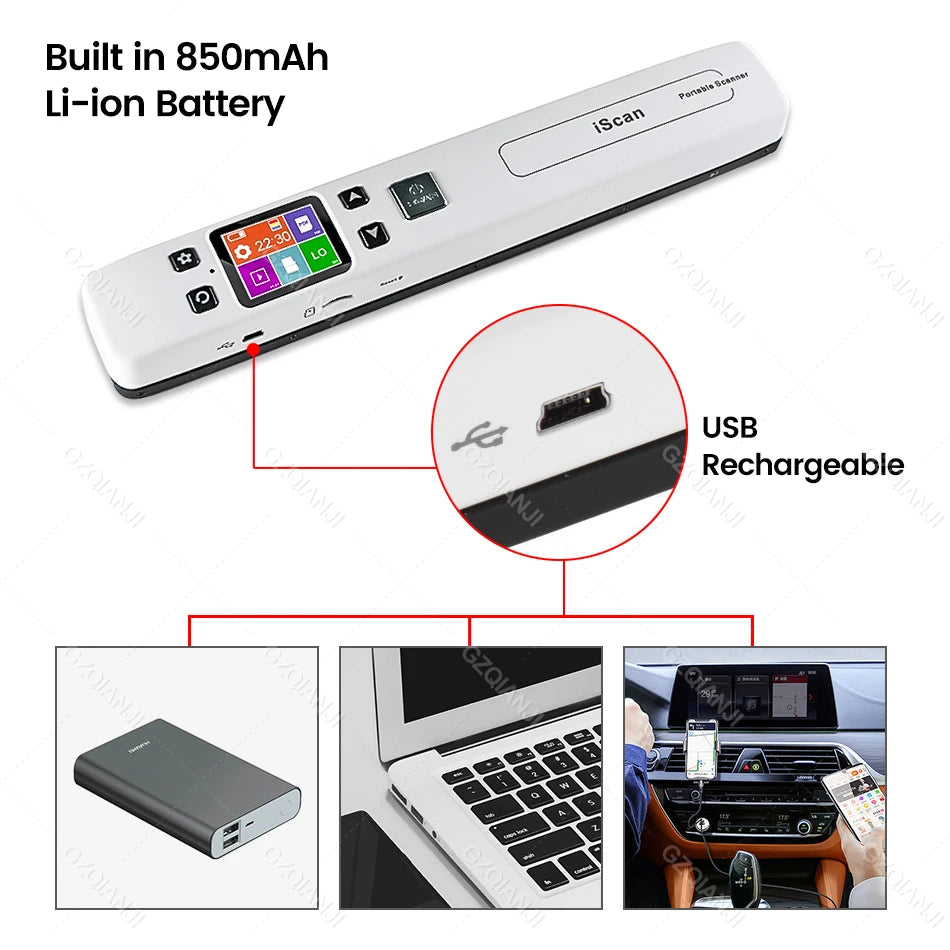
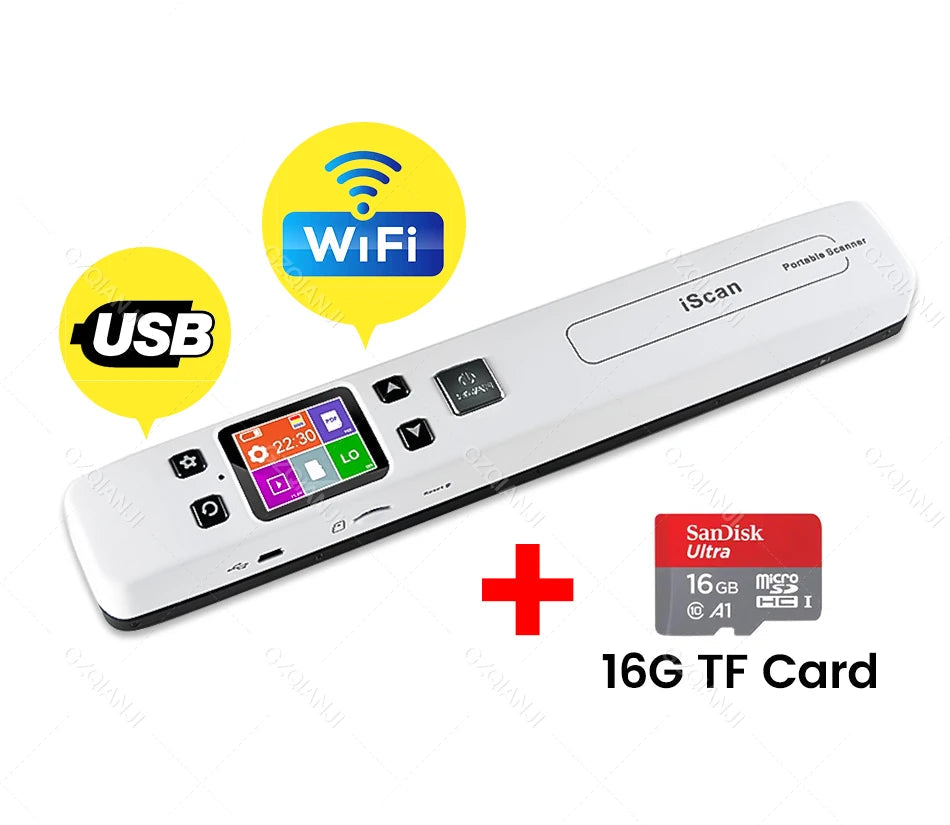
This handy scanner supports saving JPG and PDF files directly to a microSD card (TF card) with up to 32 GB of storage. The integrated 850 mAh lithium-polymer battery ensures wireless operation and long usage times. Thanks to the Wi-Fi function, you can easily connect to your smartphone or tablet to view and download scanned documents directly.
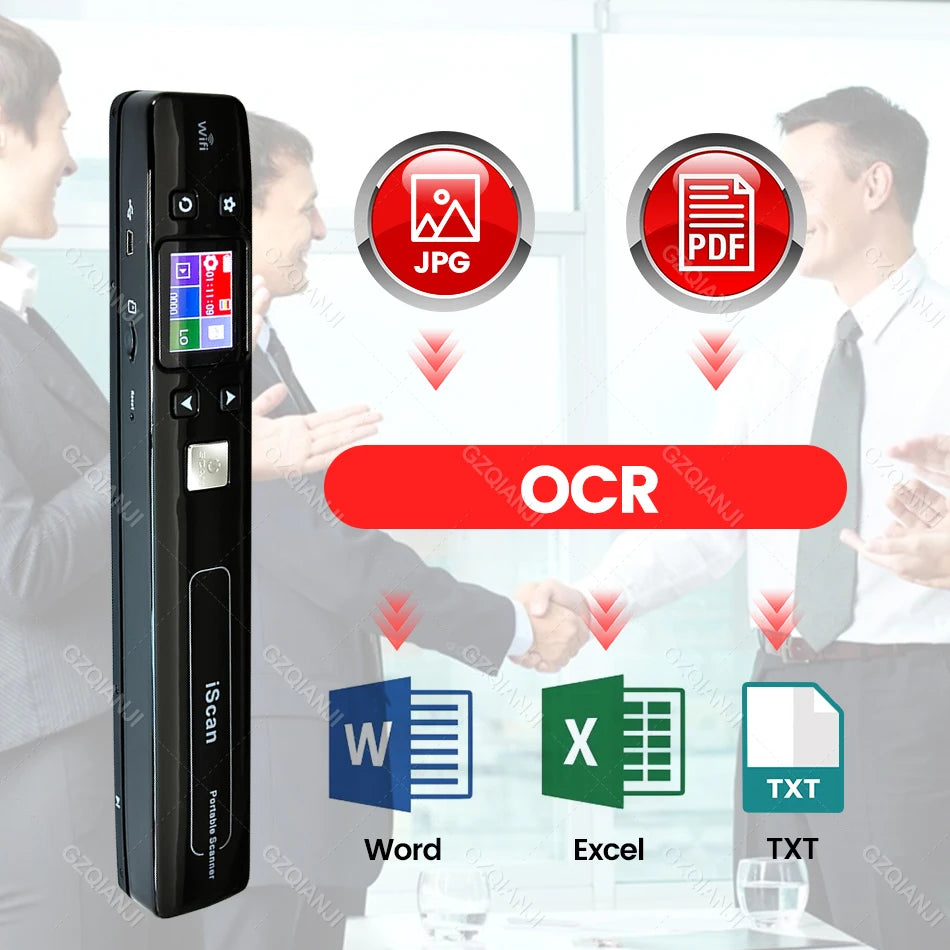
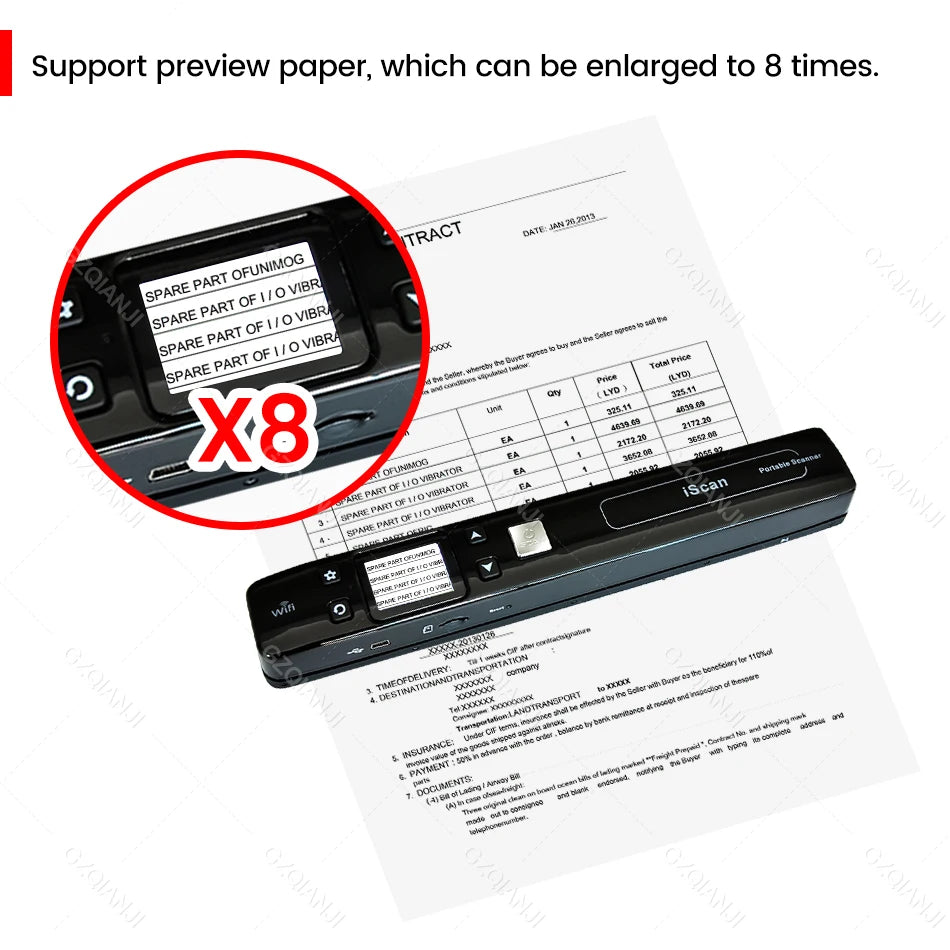
The OCR software allows you to convert scanned images into editable Word documents (supports Windows systems), which significantly simplifies office work and saves time. The preview function lets you check if the scan is optimal before saving.
The scanner is small and lightweight, comes with a practical carrying case, and is therefore perfect for use on the go or in the office. It is ideal for business people to quickly scan contracts, students to prepare theses, and teachers or pupils to digitize notes.
Technical specifications:
-
Product type: Portable document scanner
-
Optical resolution: 1050 DPI
-
Scan element: CMOS
-
Scan time per page: 3–10 seconds (depending on resolution)
-
Scan width: A4 format (210 x 297 mm)
-
Storage: External Micro-SD (TF) card up to 32 GB (not included)
-
File formats: JPG, PDF
-
Power supply: Built-in 850 mAh lithium-polymer battery (rechargeable)
-
Light source: Natural light + LED
-
Interface: USB and WLAN
-
Display: Status indicator (LCD)
-
Automatic shutdown after 3 minutes of inactivity
-
Weight: approx. 145 g
-
Dimensions: 25.2 x 3 x 2.5 cm
Special features:
-
Real-time scan detector to avoid image distortion
-
OCR function for converting images into editable text (Windows only)
-
Automatic saving of scans to TF card
-
Preview possible before saving
-
Compact, lightweight design with carrying case
Instructions for connecting to Wi-Fi with a smartphone or tablet:
-
Press the "Menu" button to activate setup mode.
-
Select the Wi-Fi link mode using the "Power off" button.
-
Start the Wi-Fi by pressing the corresponding button.
-
Once Wi-Fi is activated, the scanner displays "Wi-Fi" on the LCD.
-
Activate the Wi-Fi on your smartphone or tablet and connect to the scanner's Wi-Fi network (e.g., "Scannerxxx").
-
Open your web browser and enter the address 192.168.10.1.
-
Log in with username “admin” and password “admin”.
-
You can now view and download the scanned images on your device.
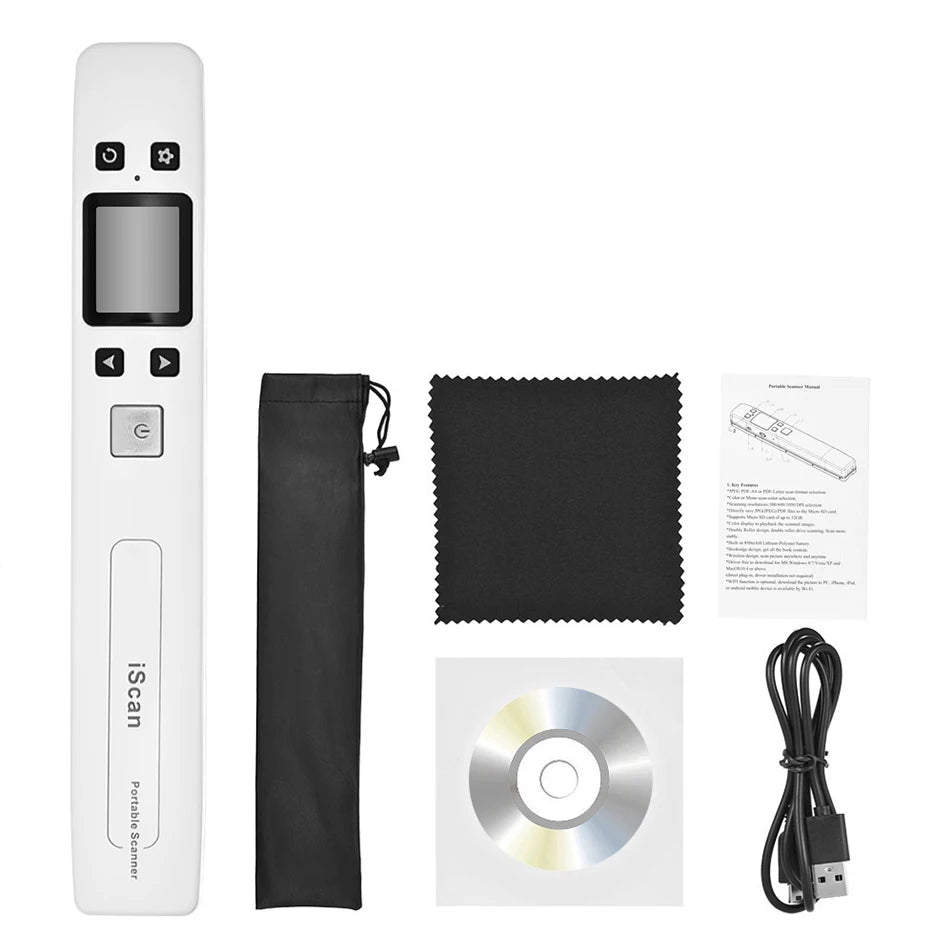
Scope of delivery:
-
1 x Portable document scanner
-
1 x Driver CD
-
1 x Carrier bag
-
1 x User manual
#documentscanner #portablescanner #mobile scanning #a4scanner #pdfscanner #wifiscanner #jpgscanner #handheldscanner #scanon the go #scannerzürich #scannerbern #scannerbasel #scannerlausanne #scannergenf #scannerwinterthur #scannerstgallen #scanneraarau #scannerchur #scannerthun #scannerneuchâtel