


Description
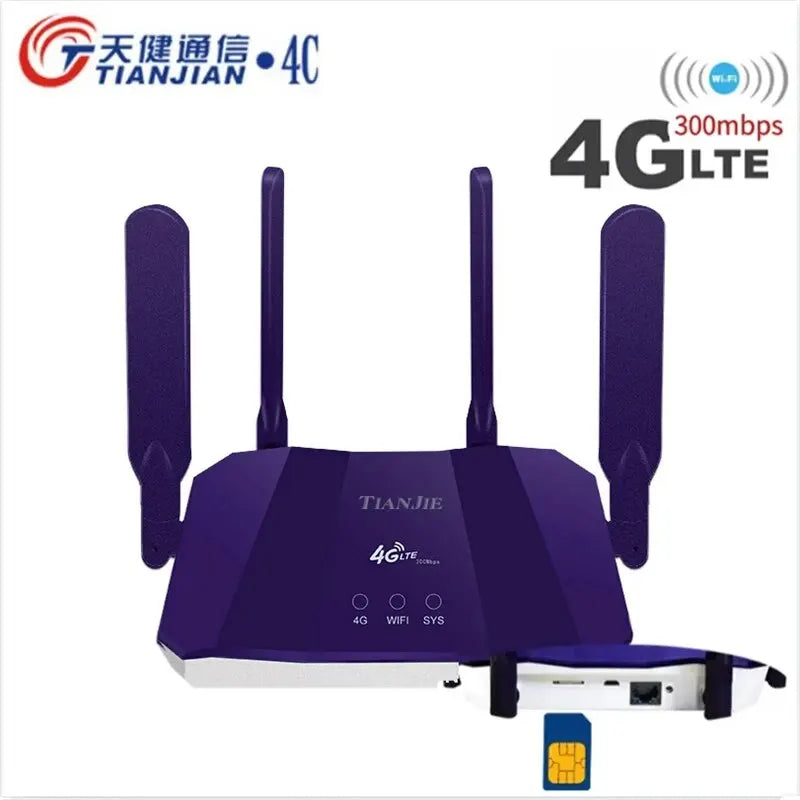
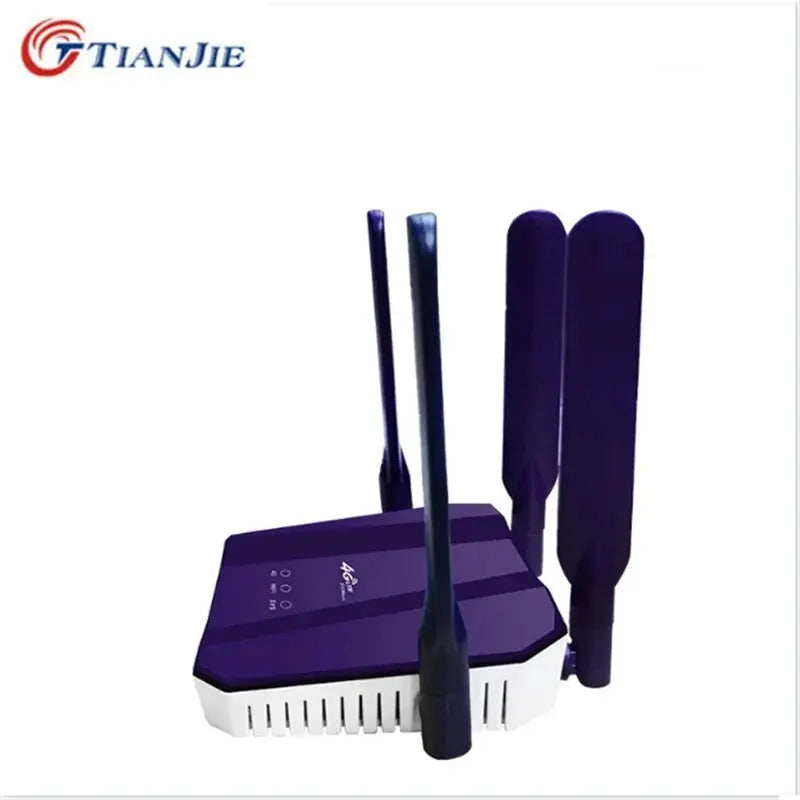
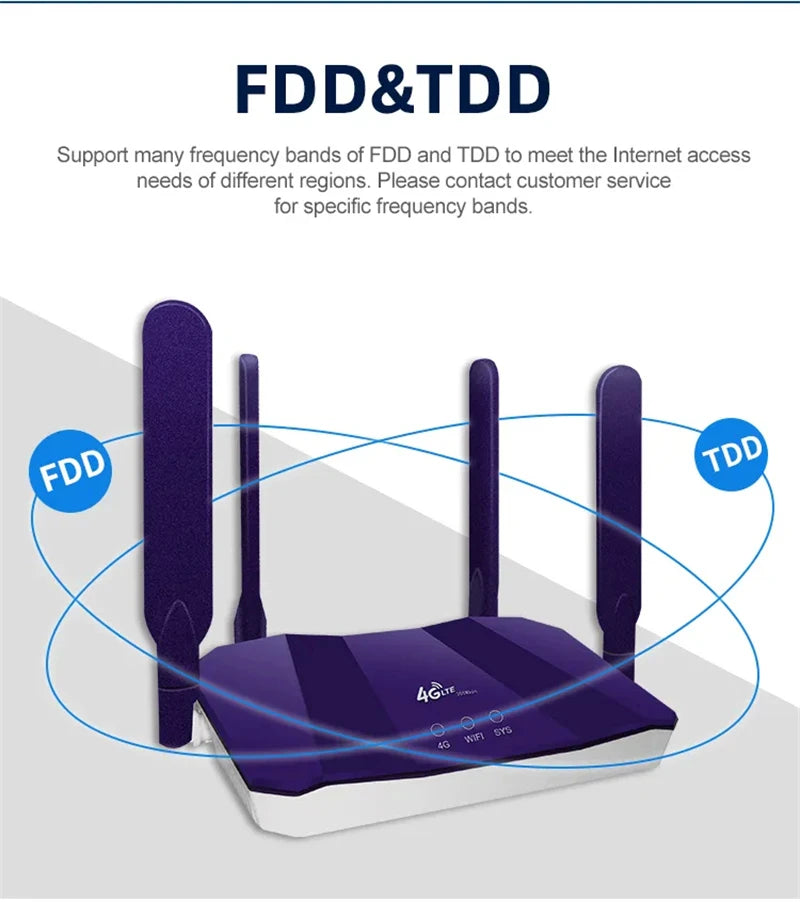
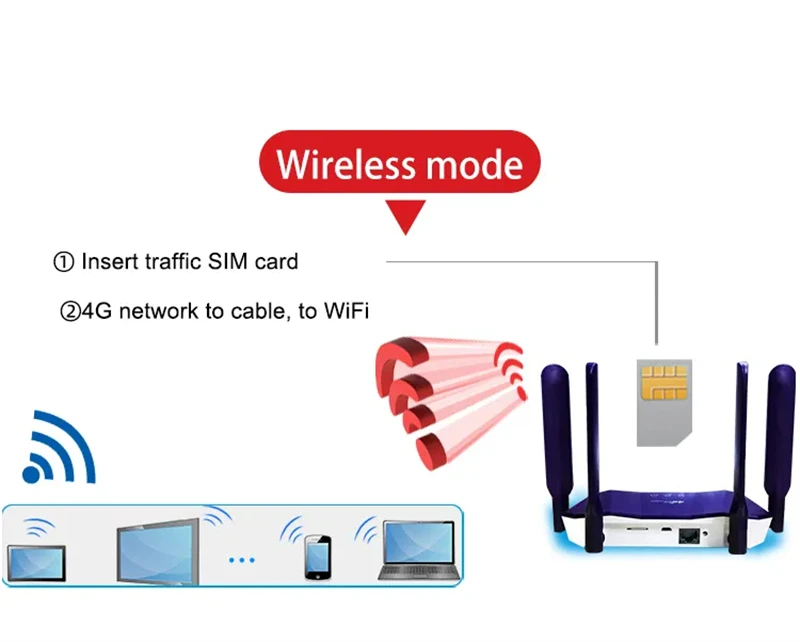
The Tianjie R8B is a powerful 4G SIM card router with an integrated Wi-Fi modem and LTE access point function – ideal for home use, travel, vehicles, or temporary internet solutions. Supporting global 3G/4G frequency bands, this router can be used in Europe, Switzerland, and many other countries. Simply insert a SIM card – the router automatically connects to the mobile network and provides a Wi-Fi hotspot.
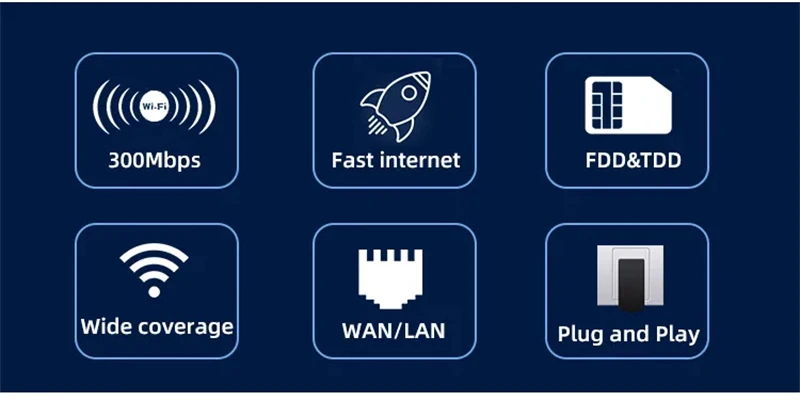

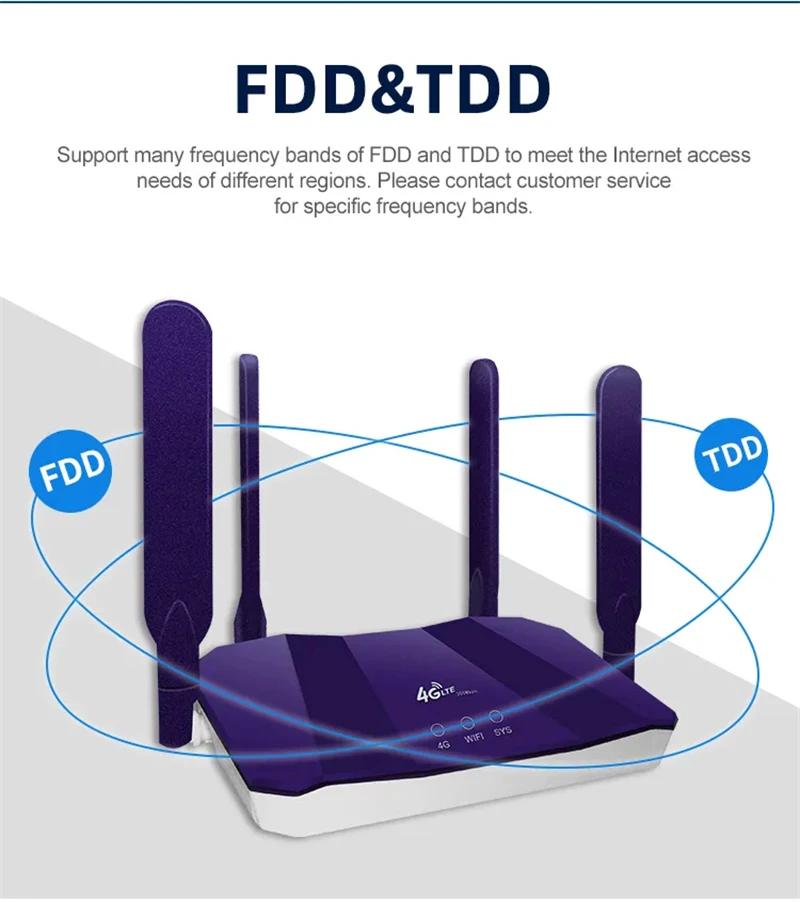


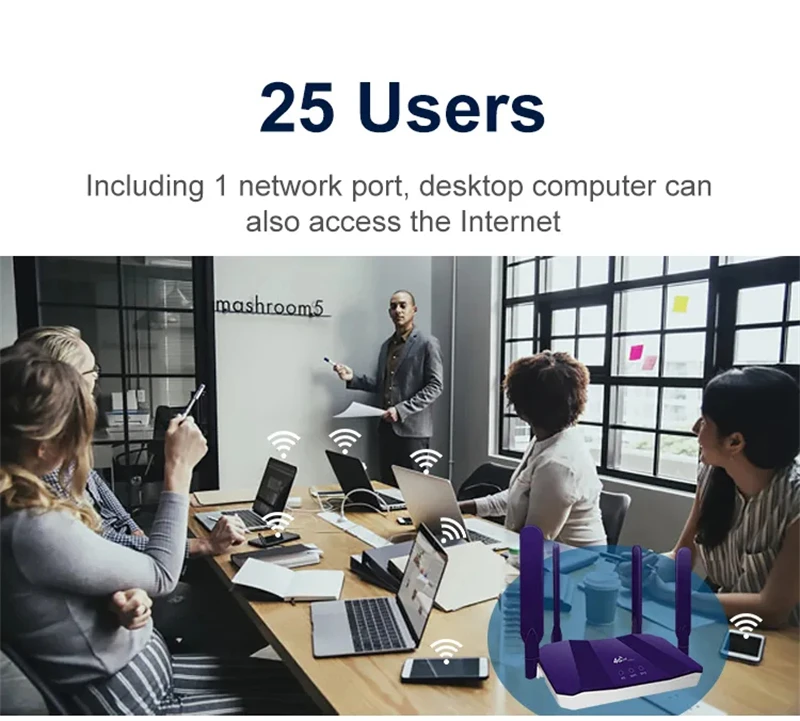
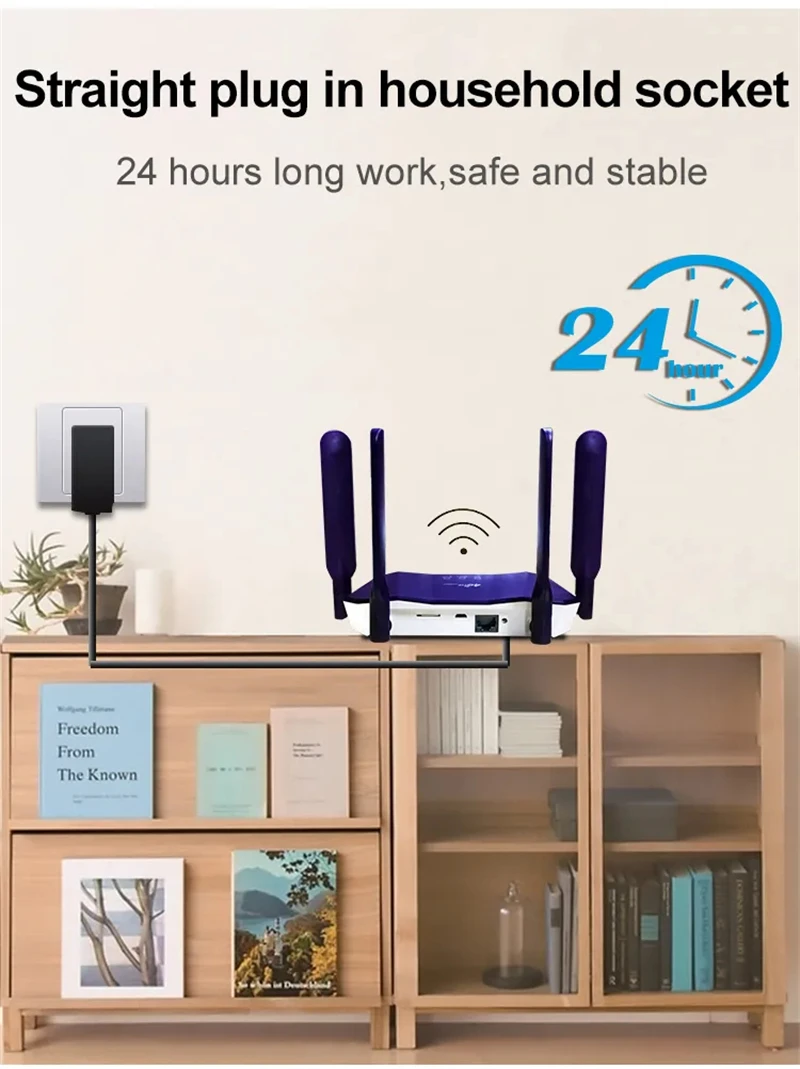

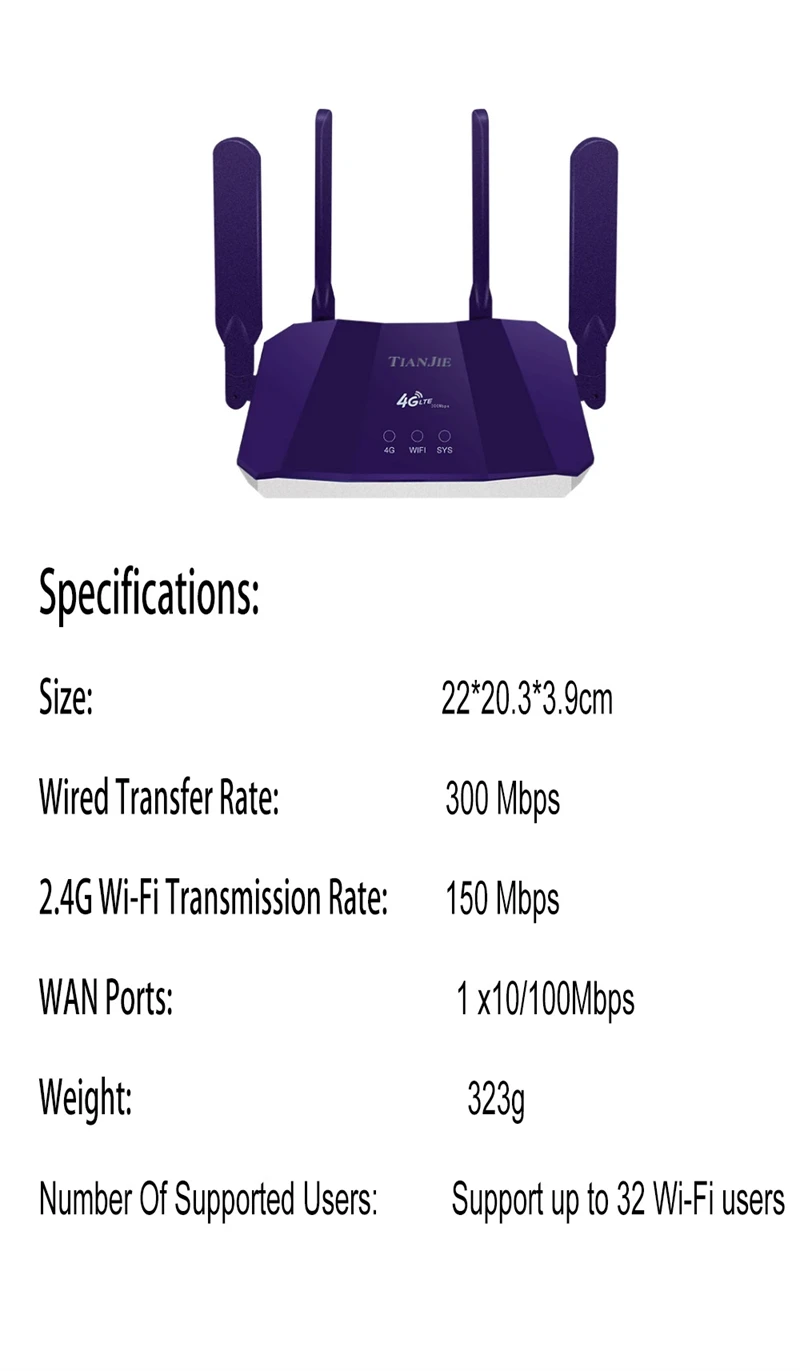
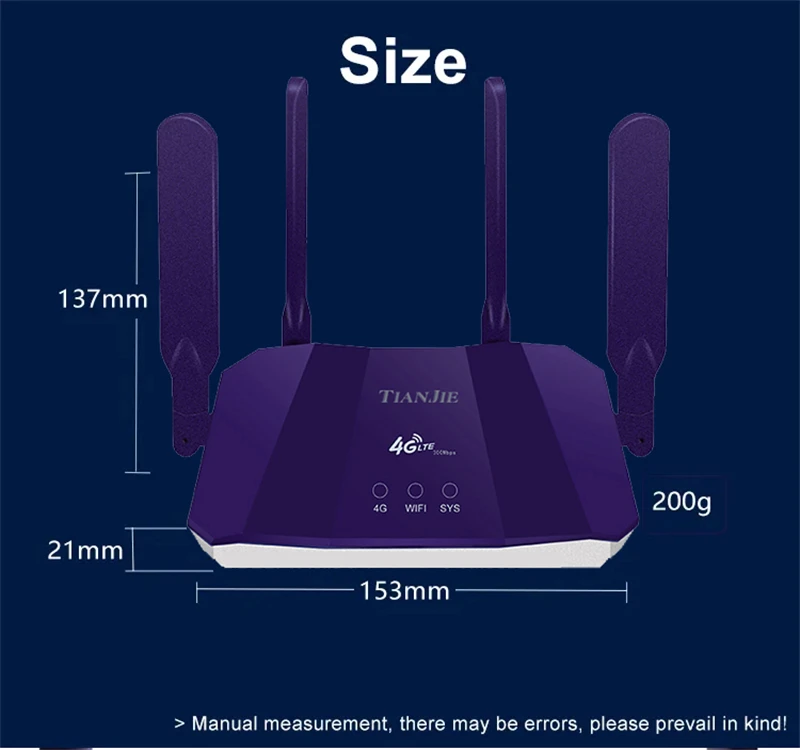
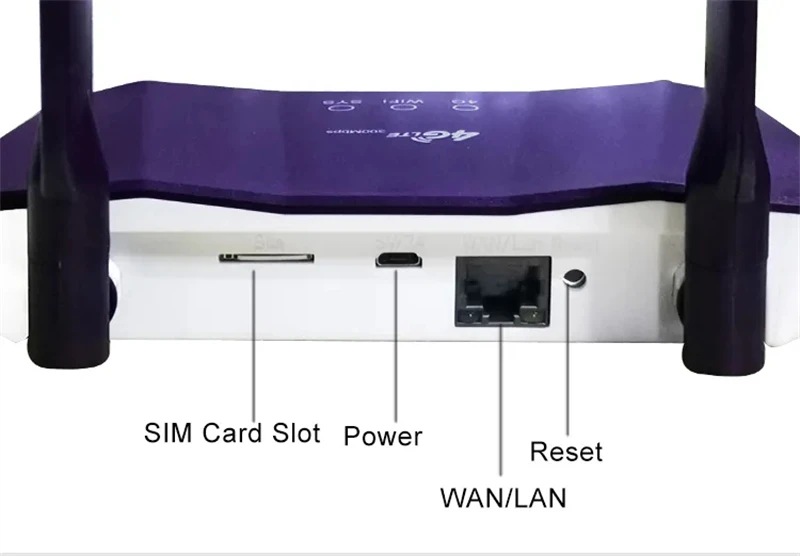
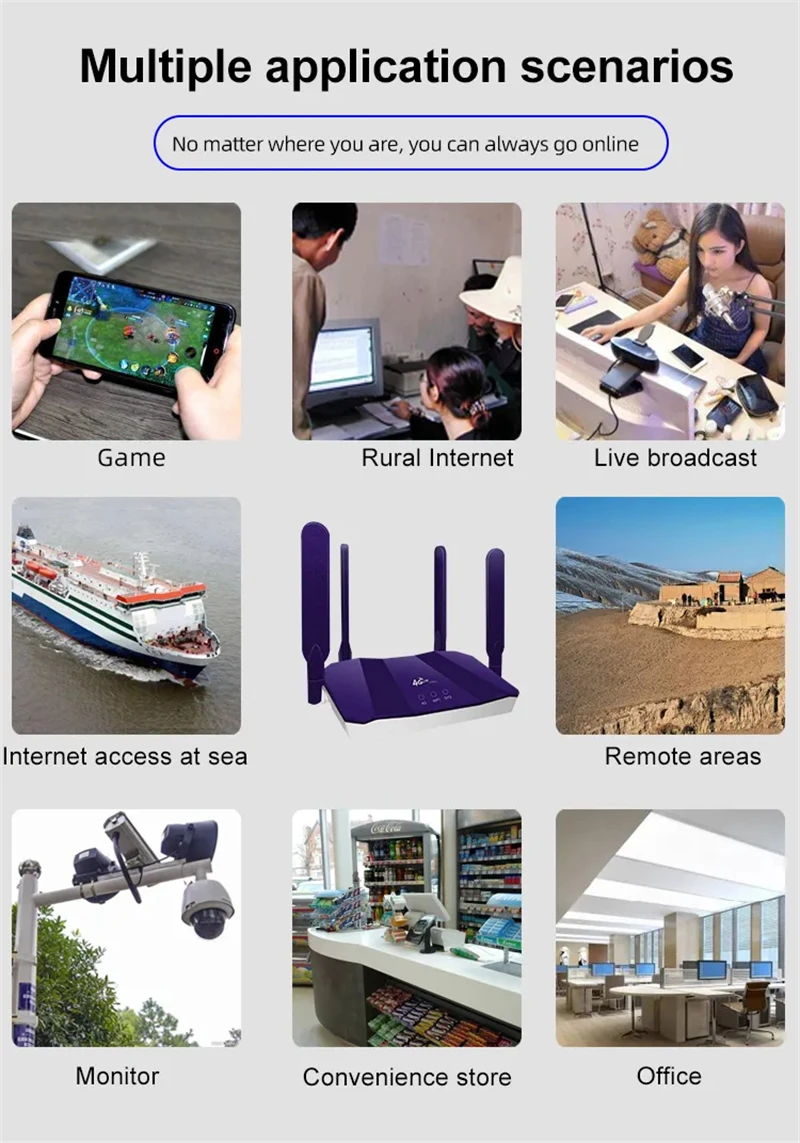
Equipped with four powerful external antennas, the router ensures improved signal strength and a stable connection. The maximum Wi-Fi transmission rate is 300 Mbps at 2.4 GHz. The device supports up to 32 simultaneous users and is ideal for IP camera connections, home offices, or mobile use on the go.
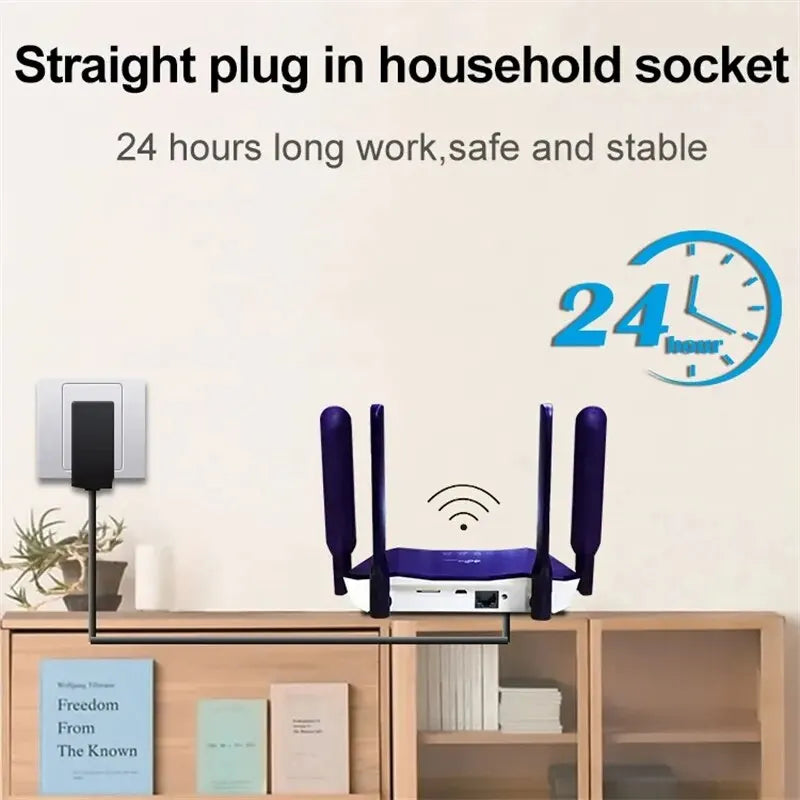
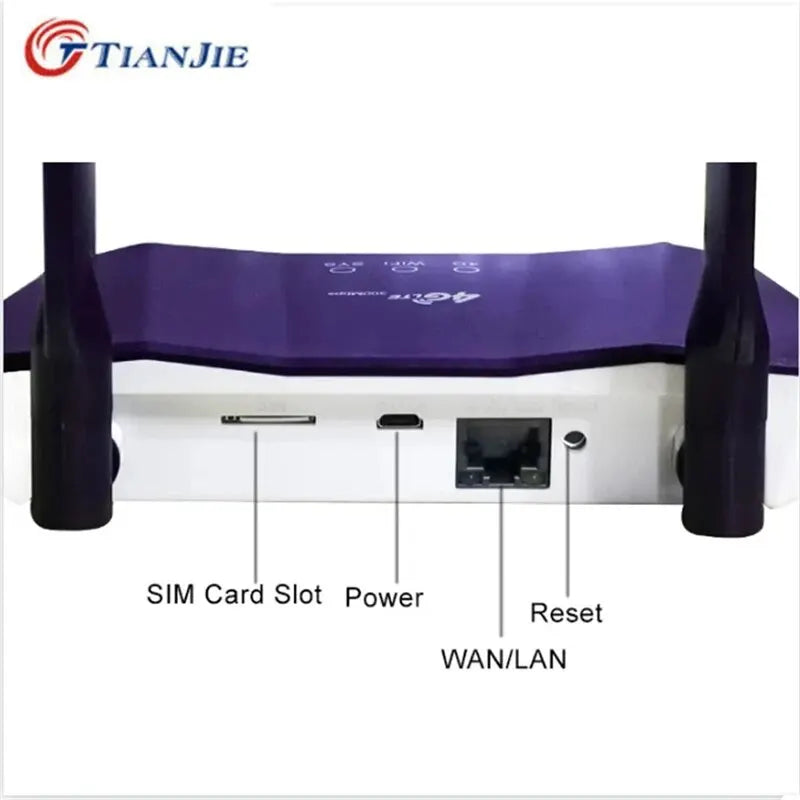
With a WAN/LAN port and a firewall function, the router offers additional security and connectivity. The LED indicator displays the device status at all times. Its compact design and low power consumption make it the perfect choice for SOHO, business users, or outdoor users.
Technical data:
-
Wi-Fi standard: 802.11 b/g/n/ac/ax (WiFi 6)
-
Frequency band: 2.4 GHz
-
Maximum Wi-Fi speed: 300 Mbps
-
Wired speed: up to 150 Mbps
-
Antenna type: 4 external 6dBi high-gain antennas
-
Connections: 1x WAN/LAN RJ45
-
Number of users: Up to 32 simultaneously
-
Compatible with: IP cameras, smartphones, laptops, tablets
-
Supported cellular bands:
-
4G FDD: B1/B3/B7/B8/B20
-
4G TDD: B38/B39/B40/B41
-
3G WCDMA: B1/B8
-
2G GSM: B3/B8
-
-
Application: Home, on the go, vehicle, office
-
Function: Firewall, LED indicator, hotspot, globally usable
-
Modem function: Yes
-
Mesh support: No
-
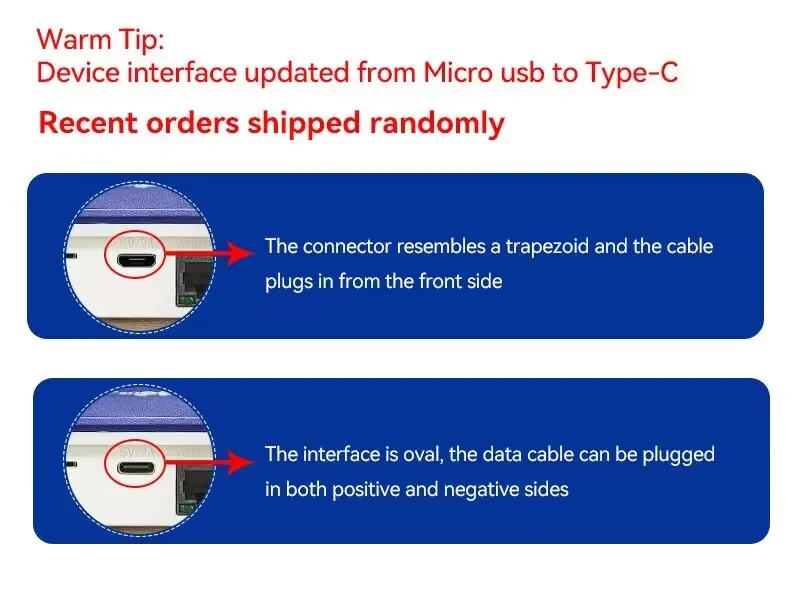
Power supply: DC 9V/1A
-
Origin: China
-
Package contents: Router, power adapter, instructions (SIM card not included)
#4GLTERouter, #WLANMitSIM, #TianjieRouter, #InternetZurich, #WLANBasel, #RouterGeneva, #LTEBern, #WiFiLuzern, #HotspotStGallen, #WLANLausanne, #SIMRouterSchweiz, #MobilerHotspot, #CPEWLANRouter, #WLANThun, #InternetWinterthur, #WLANAarau, #LTEAccessPoint, #RouterChur, #WLANLugano, #RouterOhneDSL
* After connecting to Wi-Fi, log in to 192.168.0.1. The username and password are: factoryadmin. Then, change the router's IMEI to the IMEI of your local mobile phone. Test again.
* Replace the standard SIM card (operators restrict the use of special SIM cards to routers)